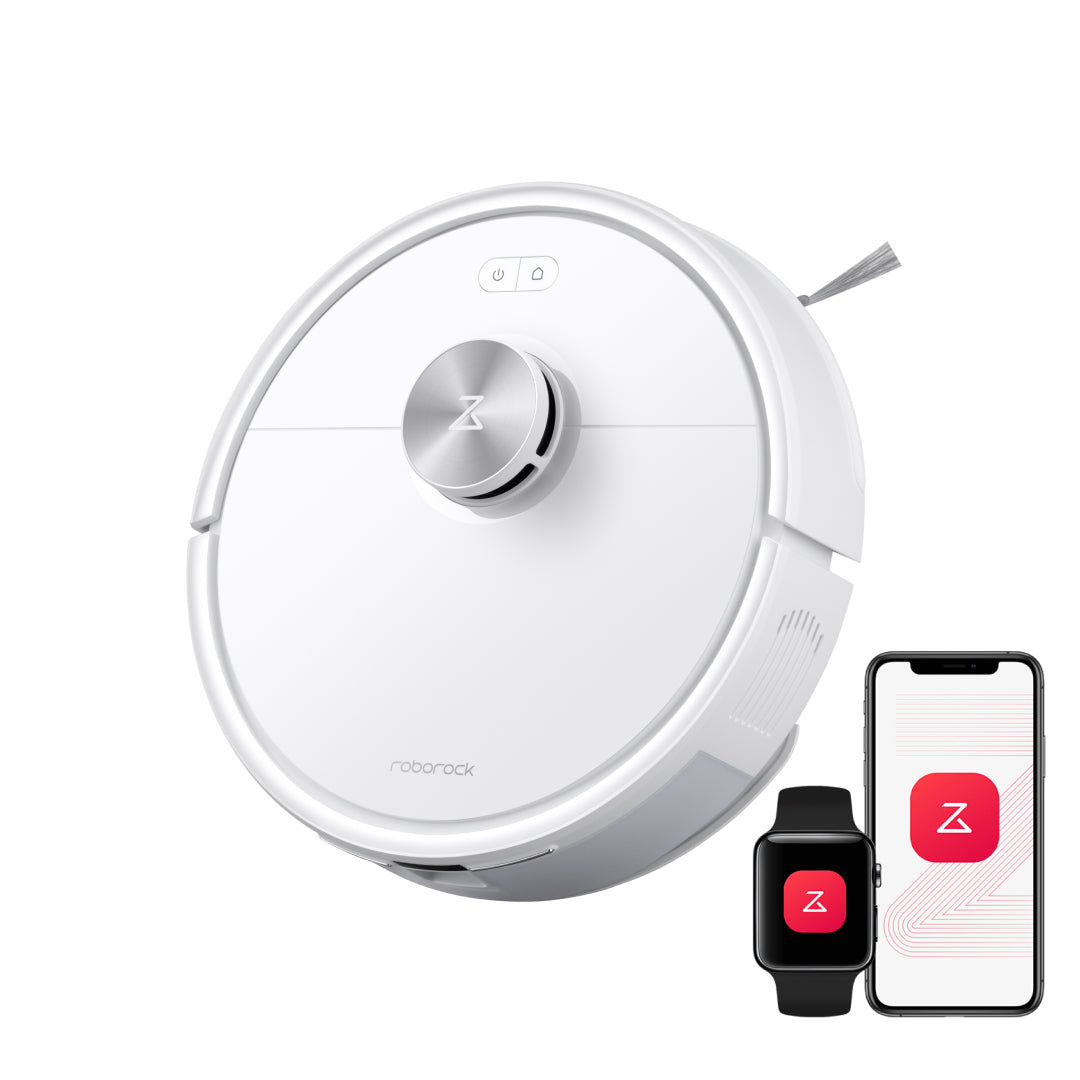
Confirm the identity
Match the brand, model, variant, and Product ID before relying on a profile.
Product Finder
Choose a current category and the boundary you need to check first. The result opens relevant product research; it is not a ranking or a guarantee of fit.
Best category to open
Compare one robot vacuum, one room-circulation fan, and one handheld fan by the job each exact model handles. Start with the listed model, variant, and Product ID so a similar-looking item is not mistaken for the researched one.
How to use the result
Match the brand, model, variant, and Product ID before relying on a profile.
Use the three sourced facts to compare the product's format, capacity, controls, dimensions, or compatibility.
Best for is editorial guidance; Check first records the installation, fit, setup, comfort, or missing evidence that can change the decision.
Confirm the exact product, current manual, availability, delivery, returns, warranty, and seller terms before acting.
Need the full catalog?
Seven categories keep different product jobs separate while every profile uses the same identity, facts, Best for, Check first, and evidence structure.